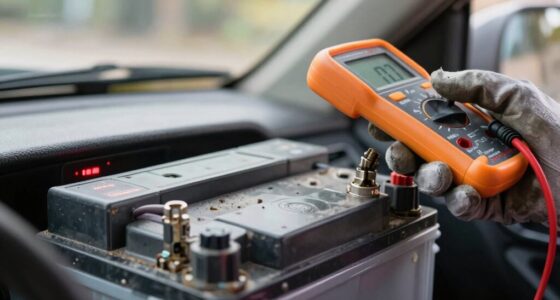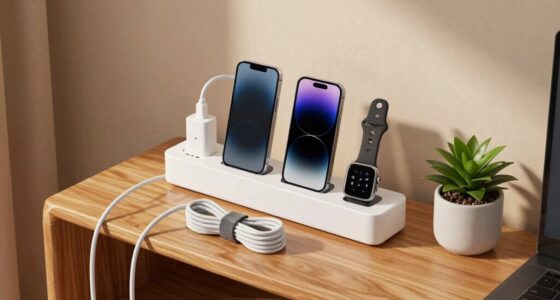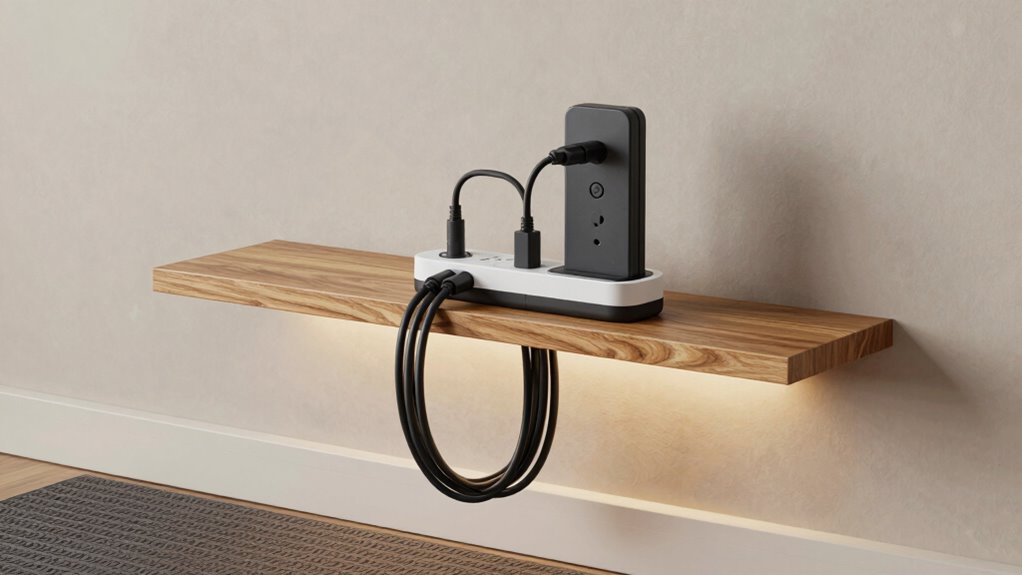
To build a safer charging station at home, choose high-quality, certified chargers with safety features like overheating prevention, and pair them with surge protectors that have sufficient Joule ratings and USB ports. Keep your setup organized, tidy, and in cool, dry places with proper ventilation. Regularly inspect your cables and equipment for damage, and use smart technology to monitor safety remotely. By following these steps, you’ll create a secure charging environment—learn more about optimizing your setup as you explore further.
Open a free Amazon Business account
Business pricing, bulk buying and tax-exempt orders.
As an affiliate, we earn on qualifying purchases.
Key Takeaways
- Choose certified, high-quality wireless chargers with safety features like overheating prevention.
- Organize cables using management tools and keep the area clutter-free for safety.
- Use surge protectors with USB ports and sufficient Joule ratings to prevent overloads.
- Place chargers in cool, dry, ventilated areas away from direct sunlight and moisture.
- Educate household members on proper charging habits and regularly inspect equipment for damage.
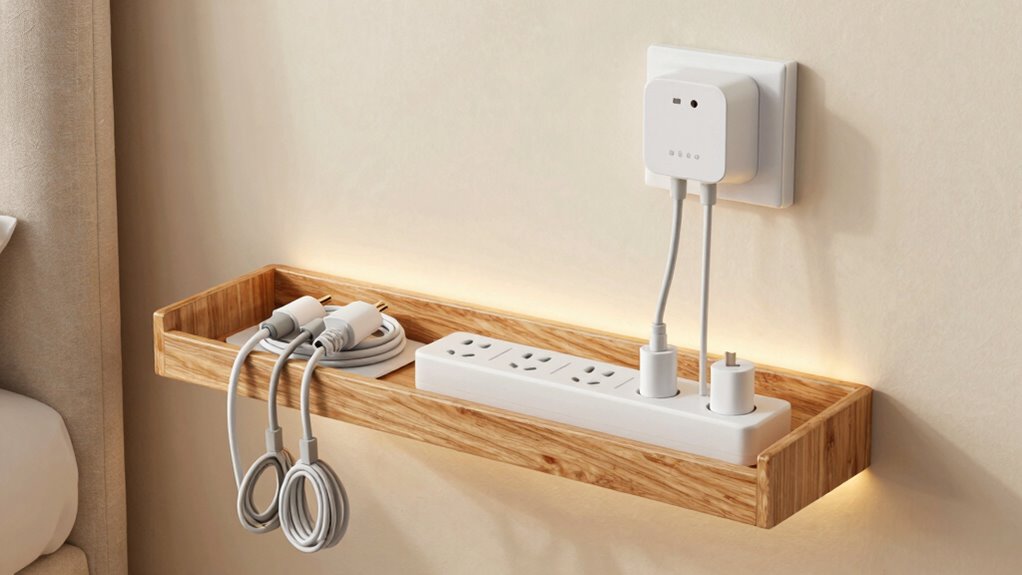
Have you ever thought about how to make your charging station safer? Creating a secure setup is essential, especially as more devices rely on wireless charging and other advanced features. Wireless charging offers convenience, but it also introduces new safety considerations. To ensure your station is safe, start by choosing high-quality wireless chargers certified by reputable safety organizations. These chargers are designed to prevent overheating and reduce risks associated with faulty components. Pairing your wireless charging pad with surge protection is equally important. Surge protectors act as a safeguard against power spikes that can damage your devices or cause electrical fires. Make sure your surge protector has a sufficient Joule rating to handle frequent power surges, and consider one with an automatic shutoff feature to cut power during a surge, preventing damage to your devices.
Choose certified wireless chargers and surge protectors with auto shutoff for safer charging.
Next, keep your charging area organized and free of clutter. Loose cables and scattered devices can lead to accidental disconnections or short circuits. Use cable management tools to keep cords neat and out of the way. If your wireless charger has a visible charging indicator, check it regularly to confirm your device is charging correctly and that no overheating is occurring. Overheating can compromise safety, so avoid placing your charger in enclosed or poorly ventilated spaces. Position your station in a cool, dry spot away from direct sunlight or moisture to reduce risks further. Additionally, smart home technology can be integrated to monitor your charging station’s safety remotely and alert you to potential issues. Incorporating proper ventilation can also help dissipate heat and ensure safe operation over time. Being aware of electrical safety standards can further guide you in setting up a compliant and secure charging environment. Regular maintenance and inspections can also help identify hidden issues before they become hazards. Remember that regular inspections are crucial for catching potential problems early and maintaining a safe environment.
It’s also wise to invest in a surge protector power strip that includes USB ports for easy connection of multiple devices. This minimizes the number of power bricks and reduces clutter, making your setup safer. Regularly inspect your chargers and cables for signs of wear or damage. Frayed cords or cracked casings should be replaced immediately, as they can pose electrical hazards. Additionally, avoid overloading your power outlets; plugging in too many devices can lead to overheating or tripped circuit breakers. Proper circuit capacity ensures your electrical system can handle your charging setup safely.
Finally, educate everyone in your household about proper charging habits. Make sure they understand the importance of unplugging devices once fully charged and avoiding the use of damaged equipment. By combining high-quality wireless chargers, surge protection, organized cables, and safety awareness, you create a charging station that’s not only efficient but also safe for everyone. Building a safer charging station requires a bit of effort upfront, but it pays off by protecting your devices and preventing potential hazards.
certified wireless charger with overheating prevention
As an affiliate, we earn on qualifying purchases.
As an affiliate, we earn on qualifying purchases.
Frequently Asked Questions
How Often Should I Inspect My Charging Station for Safety?
You should inspect your charging station monthly to guarantee electrical wiring remains in good condition and fire prevention measures are effective. Look for frayed cords, loose connections, or signs of overheating. Regular inspections help catch issues early, reducing fire risks and ensuring safe operation. If you notice any damage or irregularities, immediately unplug the station and consult a professional electrician to address potential hazards.
Can I Build a Charging Station With Recycled Materials?
Yes, you can build a charging station with recycled materials, embracing an eco-friendly design. Think creatively—use reclaimed wood, repurposed metal, or old furniture to craft a sturdy, sustainable setup. Just guarantee all components are safe and compatible with your devices. Like a savvy artisan in a Victorian workshop, you’ll craft a functional station that’s both eco-conscious and stylish, proving sustainability can be innovative and practical.
What Is the Best Location to Place My Charging Station Indoors?
You should place your charging station in a well-ventilated area indoors, like near a window or in a room with good airflow, to prevent overheating. Make sure the space allows for proper cable management, keeping cords organized and away from foot traffic. Avoid cramped or cluttered spots. This setup not only improves safety but also makes it easier to monitor and access your devices, promoting a safer charging environment.
Are There Specific Safety Certifications to Look for in Chargers?
Think of safety certifications as your guiding stars in the dark. You should look for chargers that meet specific safety standards and display clear safety labels. These charger standards assure the device’s safety and compatibility, reducing risks like overheating or electrical faults. Always choose chargers with reputable safety labels, such as UL or ETL, to guarantee you’re using reliable, thoroughly tested equipment that keeps your home safe.
How Do I Protect Children From Charging Station Hazards?
To protect children from charging station hazards, you should use childproof covers on outlets and chargers, preventing accidental shocks. Additionally, practice cord management by organizing and securing cords out of children’s reach, avoiding tripping or pulling hazards. Regularly inspect the station for damage and confirm chargers are unplugged when not in use. These safety measures help create a safer environment, reducing risks associated with charging stations at home.
surge protector with USB ports and high Joule rating
As an affiliate, we earn on qualifying purchases.
As an affiliate, we earn on qualifying purchases.
Conclusion
Think of your home charging station as the heart of your tech ecosystem—when it’s safe, everything runs smoothly. I once saw a friend’s device nearly overheat because of a makeshift setup, risking a fire. That moment reminded me how vital proper safety measures are. By following these steps, you’re not just protecting your devices, but also ensuring your home stays secure. A well-built station is the foundation for worry-free charging—because safety always charges ahead.
cable management tools for charging station
As an affiliate, we earn on qualifying purchases.
As an affiliate, we earn on qualifying purchases.
smart home safety monitoring for charging stations
As an affiliate, we earn on qualifying purchases.
As an affiliate, we earn on qualifying purchases.
Pool season Picks
robotic pool cleaners
As an affiliate, we earn on qualifying purchases.