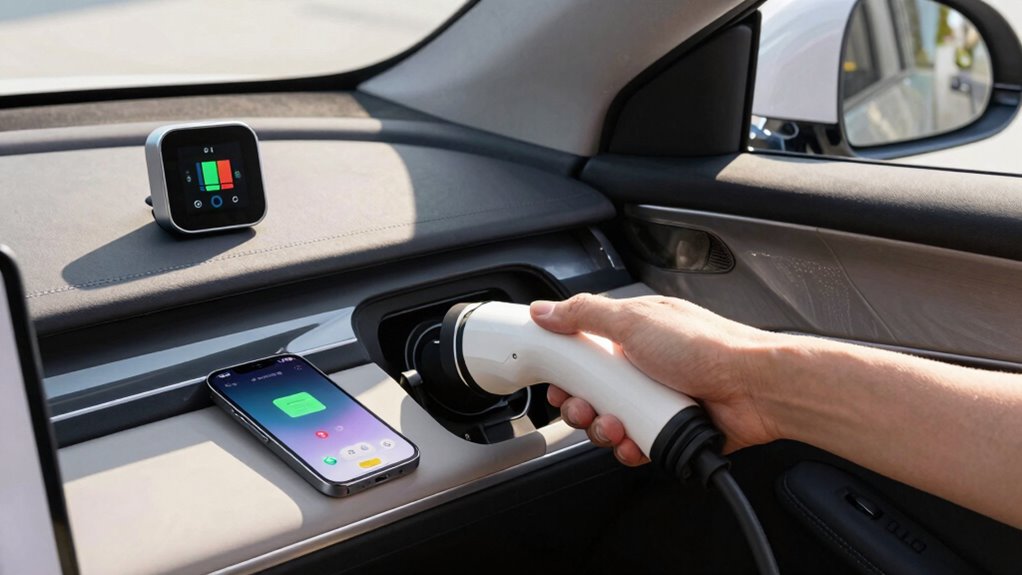

To set a battery routine that supports range and longevity, keep your charge levels between 20% and 80%, avoiding full discharges and overcharging. Use standard chargers and limit fast charging to times of need, while also managing device temperature by keeping it within 20°C to 25°C. Avoid exposing your device to heat or cold, and don’t keep it plugged in overnight. Following these steps can help you extend your battery’s life, and more tips are just a step away.

Get bike and ride gear delivered free — and shop member deals
- Fast, free delivery on millions of items
- Access to Prime Big Deal Days deals on October 6–7
- Prime Video, Amazon Music and more included
Key Takeaways
- Keep charge levels between 20% and 80% for optimal battery health and longevity.
- Charge your device frequently with partial charges instead of full discharges.
- Use standard chargers and avoid overnight or prolonged fast charging sessions.
- Maintain device temperature within 20°C to 25°C during charging and usage.
- Develop a consistent routine to monitor and limit exposure to extreme temperatures and overcharging.
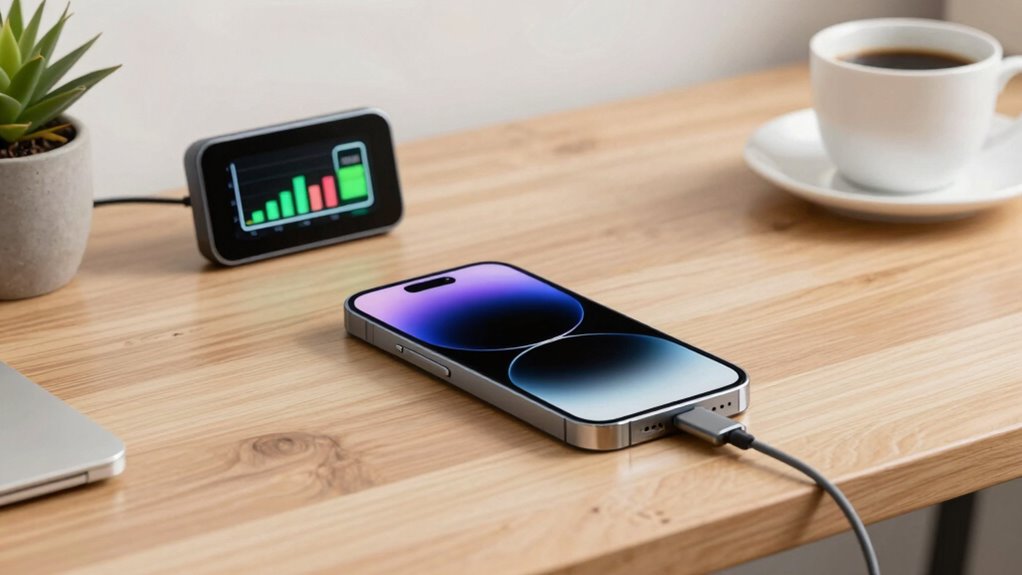
Have you ever wondered how to extend your device’s battery life and keep it running smoothly? Creating a consistent battery routine is essential, and it begins with understanding your charging habits and managing temperature effectively. Your charging habits directly influence your battery’s longevity. Instead of letting the battery drain completely before recharging, aim to keep it between 20% and 80%. Frequent, partial charges are better than full discharges, which can strain the battery over time. Avoid overnight charging or leaving your device plugged in for hours after reaching 100%, as this can lead to overcharging and reduce overall battery health. Also, resist the temptation to use fast chargers constantly; while they’re convenient, they can generate excess heat and cause wear on your battery’s chemistry. Instead, opt for standard chargers when you’re looking to preserve longevity, and only use fast charging when necessary. Monitoring your device’s temperature during charging can also help prevent overheating, which accelerates battery degradation. Temperature management is another crucial aspect of setting an effective battery routine. Batteries perform best within a moderate temperature range, typically between 20°C and 25°C (68°F to 77°F). Exposing your device to extreme heat or cold can accelerate battery degradation. High temperatures, especially above 30°C (86°F), can cause the battery to age faster, leading to reduced capacity and shorter lifespan. If you’re in a hot environment, avoid leaving your device in direct sunlight or inside a hot car. Similarly, cold temperatures can temporarily reduce battery performance, but prolonged exposure can cause permanent damage. Keep your device in a cool, dry place whenever possible, especially during charging. Using a case that traps heat or insulating your device in a warm environment can also contribute to overheating, so monitor your device’s temperature during heavy use or charging. Combining good charging habits with temperature management helps you establish a battery routine that supports both range and longevity. Avoid letting your device overheat or cool down excessively, and don’t let the battery sit at very low or full charge levels for extended periods. Instead, try to keep your device charged within the optimal range and avoid exposing it to extreme temperatures. Being aware of battery chemistry and how it responds to different conditions can further help you optimize your routine. Additionally, understanding how thermal management impacts your device’s health can guide you in making better decisions about charging environments. Recognizing the importance of proper charging techniques can also prevent unnecessary stress on your battery. Developing a routine that considers battery degradation factors can significantly extend your battery’s lifespan. By doing so, you’ll slow down the natural aging process of your battery, maintain its capacity longer, and ensure your device remains reliable over time. Establishing these habits takes minimal effort but delivers significant benefits, helping your device stay powered up when you need it most and preserving its health for the long haul.
As an affiliate, we earn on qualifying purchases.
Frequently Asked Questions
Can Fast Charging Damage My Battery Over Time?
Yes, fast charging can damage your battery over time if your charging habits rely heavily on it. It may cause heat buildup, which can degrade battery capacity and reduce longevity. To protect your battery, avoid frequent fast charging, especially when your battery isn’t low. Instead, mix in regular charging sessions to maintain ideal battery health, and always monitor the temperature during fast charging to minimize potential damage.
Is It Better to Keep the Battery Between 20% and 80%?
Keeping your battery between 20% and 80% is like watering a plant just right—not overdoing it or letting it wilt. Limiting your battery cycles through smart charging habits reduces wear, extending battery lifespan. Charging only within this range minimizes stress on the battery, preventing unnecessary degradation. This simple habit helps maintain peak battery health and ensures your device stays reliable longer.
How Often Should I Calibrate My Battery?
You should calibrate your battery about once every three to six months to maintain ideal battery health. Regular calibration helps guarantee your battery meter remains accurate, preventing unexpected drops or overestimations of charge. If you notice your device’s battery percentage behaving erratically or draining quickly, it’s a good sign to calibrate. Consistent calibration frequency keeps your battery functioning properly and extends its overall lifespan.
Does Temperature Affect Battery Longevity?
Temperature effects definitely impact your battery’s longevity. High temperatures accelerate battery degradation, causing faster capacity loss over time. Cold temperatures can temporarily reduce performance but won’t cause long-term damage unless paired with extreme conditions. To protect your battery, avoid exposing it to excessive heat or cold for prolonged periods. Keeping your device within the recommended temperature range helps maintain ideal performance and extends its overall lifespan.
Should I Leave My Device Plugged in After Full Charge?
You should avoid leaving your device plugged in after it reaches full charge, as it can negatively impact battery maintenance by causing unnecessary stress and heat. Instead, adopt good charging habits like unplugging once fully charged and keeping the battery between 20-80%. This helps preserve battery health and extends its lifespan. Regularly managing your charging habits guarantees your device’s battery remains efficient and lasts longer over time.
As an affiliate, we earn on qualifying purchases.
Conclusion
By setting a consistent routine, by following best practices, and by avoiding extremes, you can maximize your battery’s range and lifespan. Keep your charging habits balanced, keep your device cool, and keep an eye on usage patterns. Embrace these routines to extend your battery’s health, to enhance your device’s performance, and to enjoy longer-lasting power. Because a well-maintained battery means a better experience, a longer-lasting device, and a smarter way to stay connected.
temperature-controlled phone case
As an affiliate, we earn on qualifying purchases.
As an affiliate, we earn on qualifying purchases.
As an affiliate, we earn on qualifying purchases.
Fall Picks
fall essentials
As an affiliate, we earn on qualifying purchases.